Unlock Efficiency with Online Tool Spot: Your All-in-One Digital Toolkit
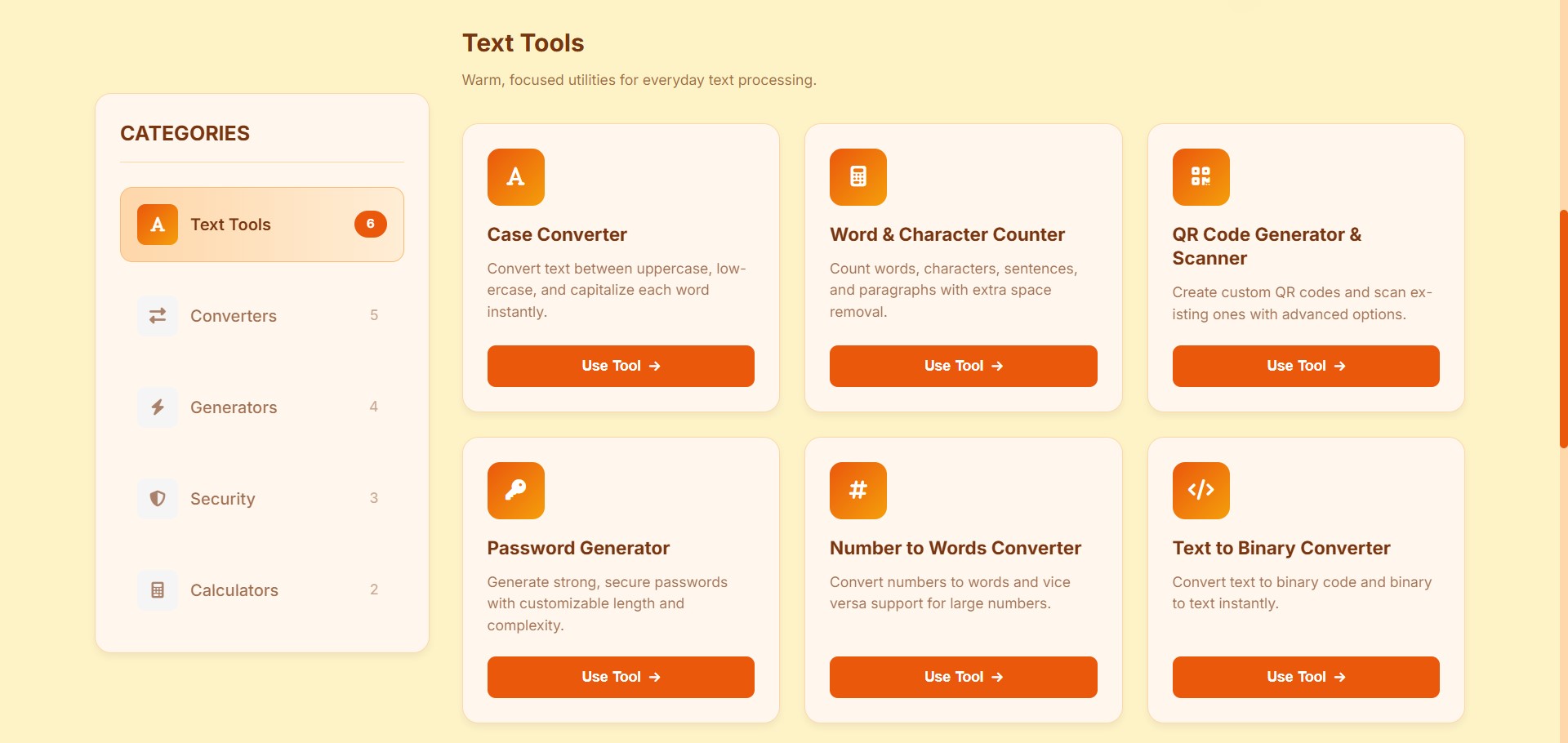
In today's fast-paced digital world, having the right tools at your fingertips isn't just a convenience—it's a necessity. Whether you're a developer, writer, student, or professional, small tasks like converting formats, counting words, or generating passwords can interrupt your workflow and drain your time.
Why Online Tool Spot Stands Out
We've created Online Tool Spot with a singular mission: to simplify your digital life. Unlike scattered tools across different websites, we bring everything together in one seamless, user-friendly platform. No more bookmarking dozens of sites or downloading clunky software.
Everything in One Place
From text manipulation to security tools, from converters to generators—we've curated the most essential utilities that professionals actually use daily. Our collection grows based on real user feedback, ensuring we're always adding value where it's needed most.
Designed for Humans
We believe tools should be intuitive, not intimidating. Every interface is designed with clarity in mind, featuring our warm color palette that reduces eye strain during long work sessions. The creamy backgrounds, orange accents, and clean typography create an environment where you can focus on getting things done.
Deep Dive: Our Flagship Tools
1. Number Converter: Two-Way Intelligence
Our bidirectional Number to Words Converter exemplifies smart design. Need "2024" written out on a check? It becomes "Two thousand and twenty-four" instantly. Working backward? Type "one hundred fifty" and get "150" just as fast.
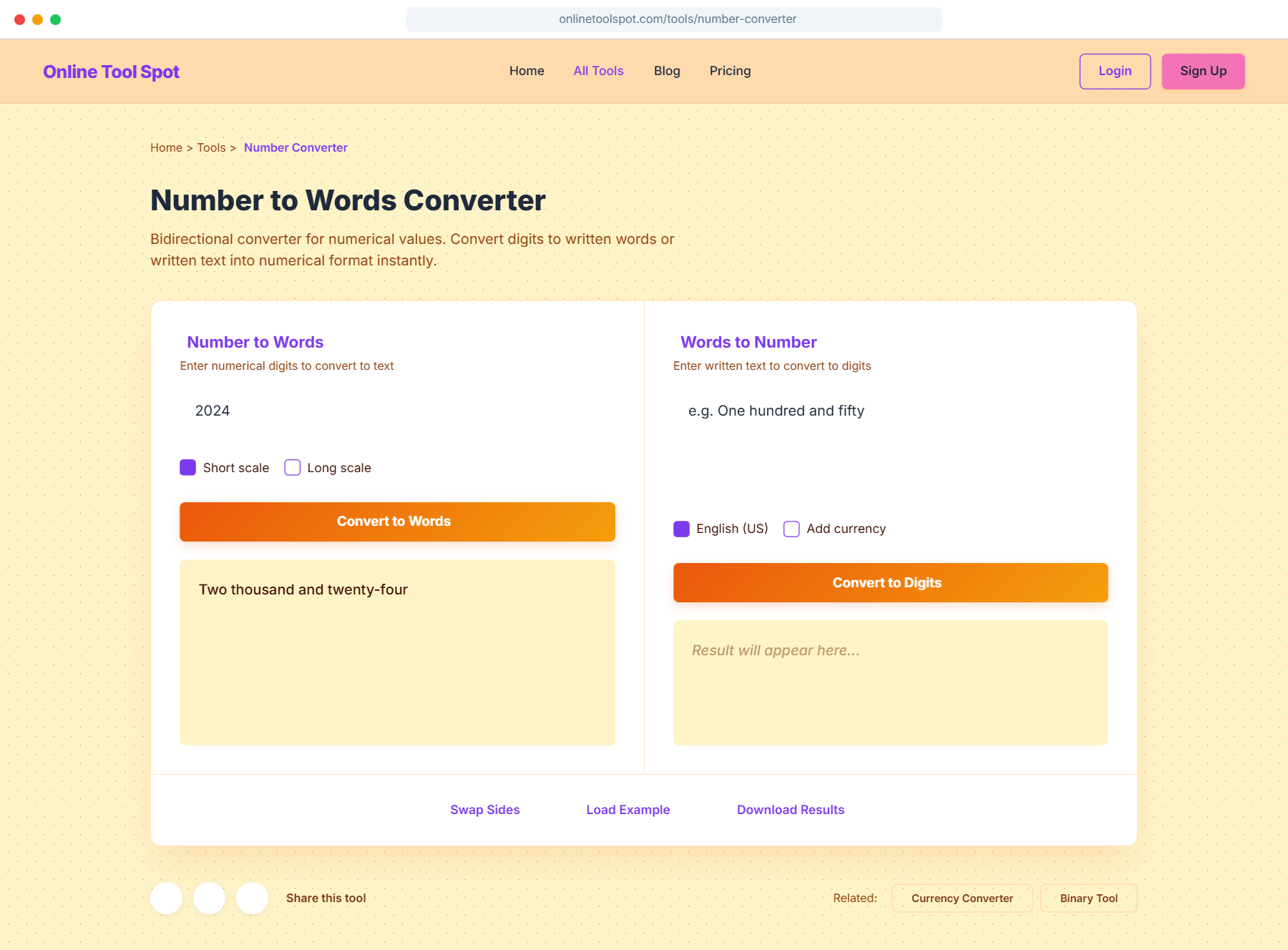
Number Converter in action
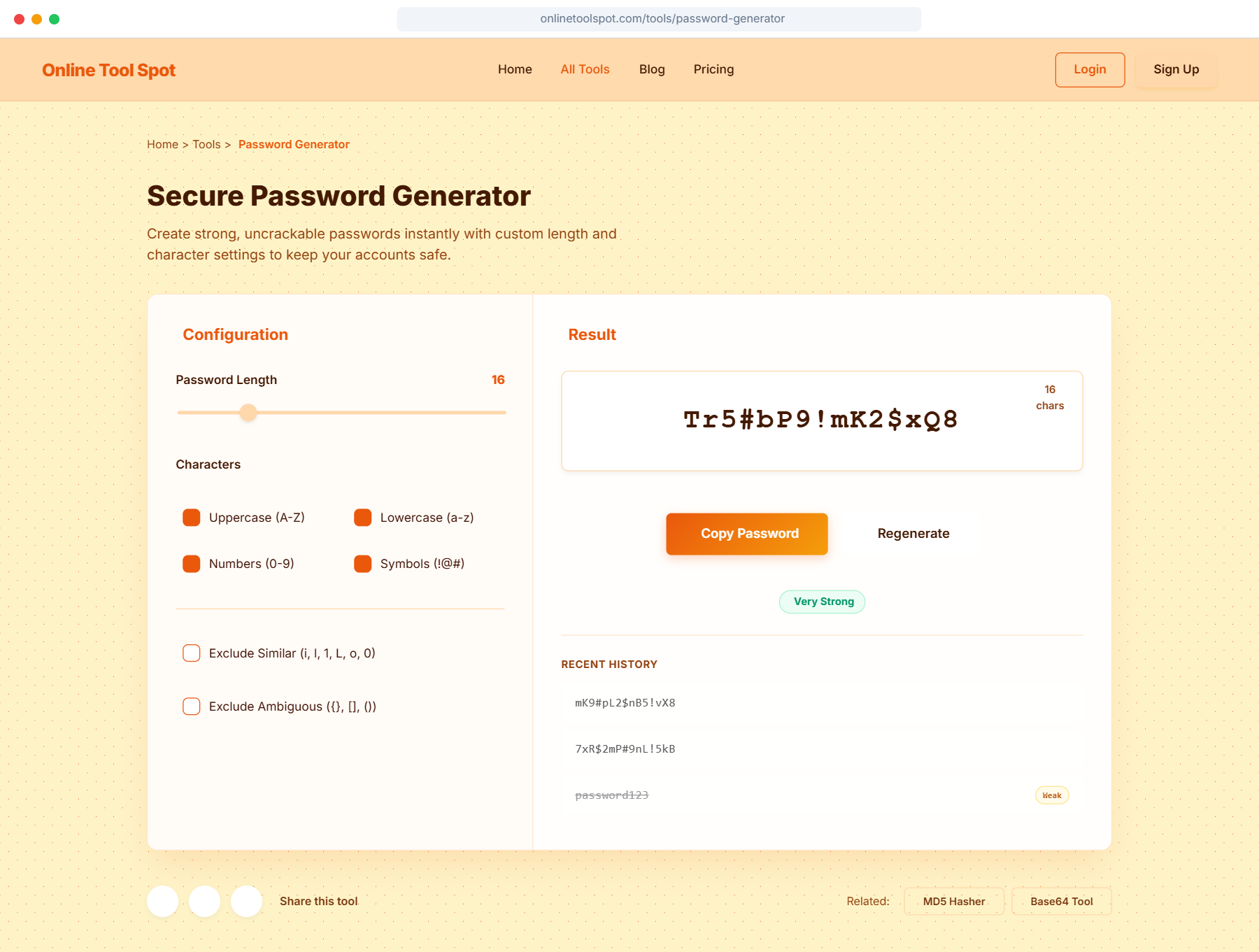
Secure Password Generation
2. Reverse Text Tool: More Than Just Backwards
While reversing text might seem simple, our tool offers professional-grade flexibility. Choose between character-by-character reversal, word order flipping, or custom start/end points. Developers use it for testing data integrity, writers for creative inspiration, and educators for teaching concepts.
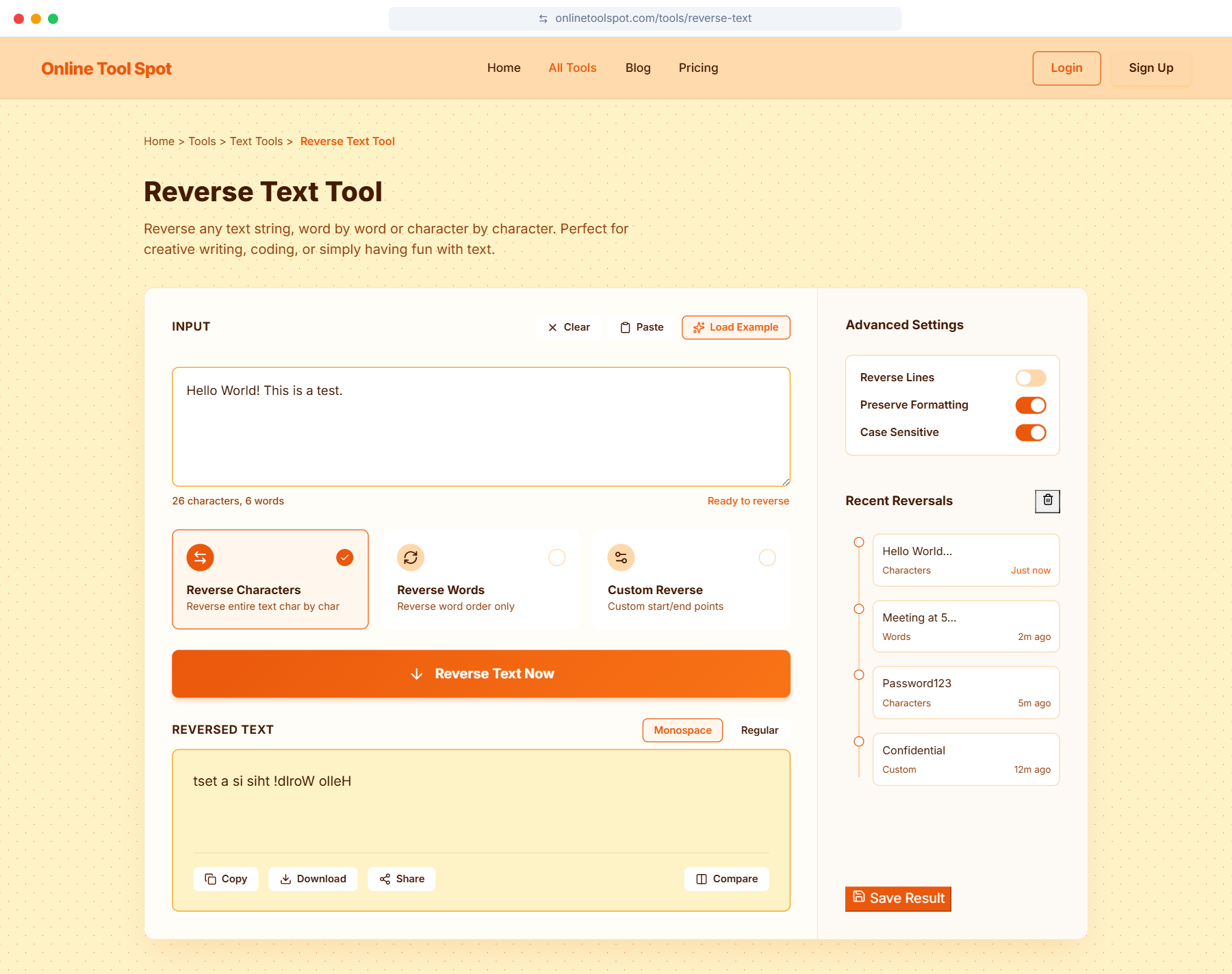
Reverse Text Tool with multiple options
3. Secure Password Generator: Your Digital Lock
In an age of increasing cyber threats, password security is non-negotiable. Our generator gives you complete control: set length (8-64 characters), choose character types (uppercase, lowercase, numbers, symbols), and exclude similar or ambiguous characters. The real-time strength meter provides instant feedback.
The Complete Tool Ecosystem
Beyond these highlighted tools, Online Tool Spot offers a growing suite of utilities:
- Case Converter: Instantly transform text between uppercase, lowercase, title case, and sentence case.
- Word Counter: Get instant word and character counts for essays, articles, or social media posts.
- QR Generator: Create and scan QR codes with custom colors and sizes.
- Text to Binary: Convert text into binary code for programming applications.
- Color Picker: Select, convert, and save color codes in multiple formats.
- JSON Formatter: Beautify and validate JSON data with syntax highlighting.
Explore All Tools
Discover dozens of utilities designed to streamline your workflow
Browse Complete Tool Directory →Built with Core Principles
Speed and Efficiency
Every tool is optimized for instant results. No loading screens, no unnecessary steps. We process data client-side whenever possible, which means faster results and better privacy.
Privacy First
We don't store your data. Most tools work entirely in your browser. For tools requiring server processing, we use temporary memory-only storage that's cleared immediately after processing.
No Account Required
Start using tools immediately. While we offer premium features, our core utilities are completely free and accessible without registration.
Cross-Device Compatibility
Online Tool Spot works flawlessly on desktop, tablet, and mobile. The responsive design ensures you have access to your tools wherever you work.
Real-World Applications
For Students and Educators
Convert numbers for math assignments, count words for essays, generate secure passwords for school accounts, and create QR codes for classroom materials.
For Developers
Test data with text reversal, format JSON, convert between number systems, generate secure API keys, and quickly pick color codes for UI design.
For Content Creators
Count words for blog posts, convert text cases for social media, generate QR codes for YouTube videos, and create password-protected content.
For Business Professionals
Convert numbers for financial documents, generate secure passwords for company accounts, create professional QR codes for marketing materials, and format data for presentations.
What Our Users Say
"As a freelance writer, I use Online Tool Spot daily. The word counter and case converter save me hours each week. The clean interface makes it my go-to toolkit."
"The password generator alone makes this site worth it. But with all the other tools, it's become an essential part of my development workflow."
Looking Ahead: Our Roadmap
We're constantly evolving based on user feedback. Here's what's coming soon:
- Browser Extensions: Access tools directly from your browser toolbar
- Bulk Processing: Handle multiple files or large datasets at once
- API Access: Integrate our tools into your applications
- Collaborative Features: Share tool sessions with team members
- Mobile App: Native iOS and Android applications
- More Specialized Tools: Expanding into image, audio, and data processing
Have suggestions? We'd love to hear from you. Every new tool starts with user feedback.
Ready to Transform Your Workflow?
Join thousands of professionals who have streamlined their digital tasks with Online Tool Spot